Design to code
From design to interactive prototype - Portfolio built with AI, code, and reusable components

Overview
Traditional prototypes created in tools such as Figma and Sketch can feel rigid, with users limited to predefined navigation paths and hotspots. While new capabilities are emerging (for example Figma Make), the experience still differs significantly from interacting with a real product.
This project explores a design-to-code workflow to create a realistic, fully interactive portfolio prototype that behaves more like a live website than a traditional prototype.
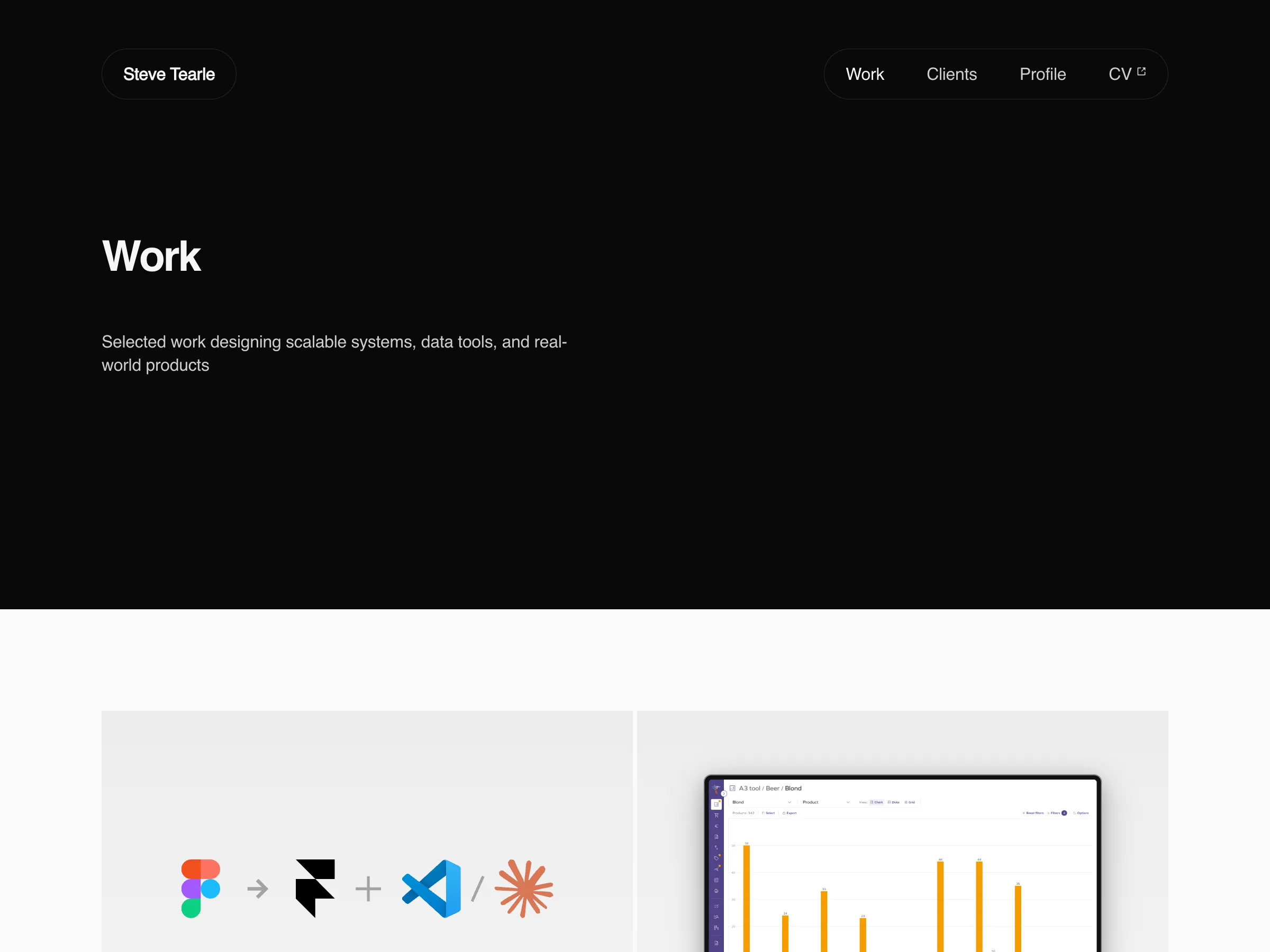
Using Framer, VS Code, and Claude CLI, this project explores AI-assisted coding and reusable component systems to bridge the gap between design and implementation.
The goal is to demonstrate how combining design tools, code, and AI can produce more flexible, interactive prototypes suitable for client demonstrations and portfolio experiences.
- Role
- Senior Product Designer
- Scope
- UI/UX Design · Component Architecture · Design-to-Code Workflow · AI-Assisted Development
- Duration
- Mar 2026
- Location
- Remote
Role
- Designed and built the design-to-code prototype end-to-end, translating interface concepts into a functional interactive experience
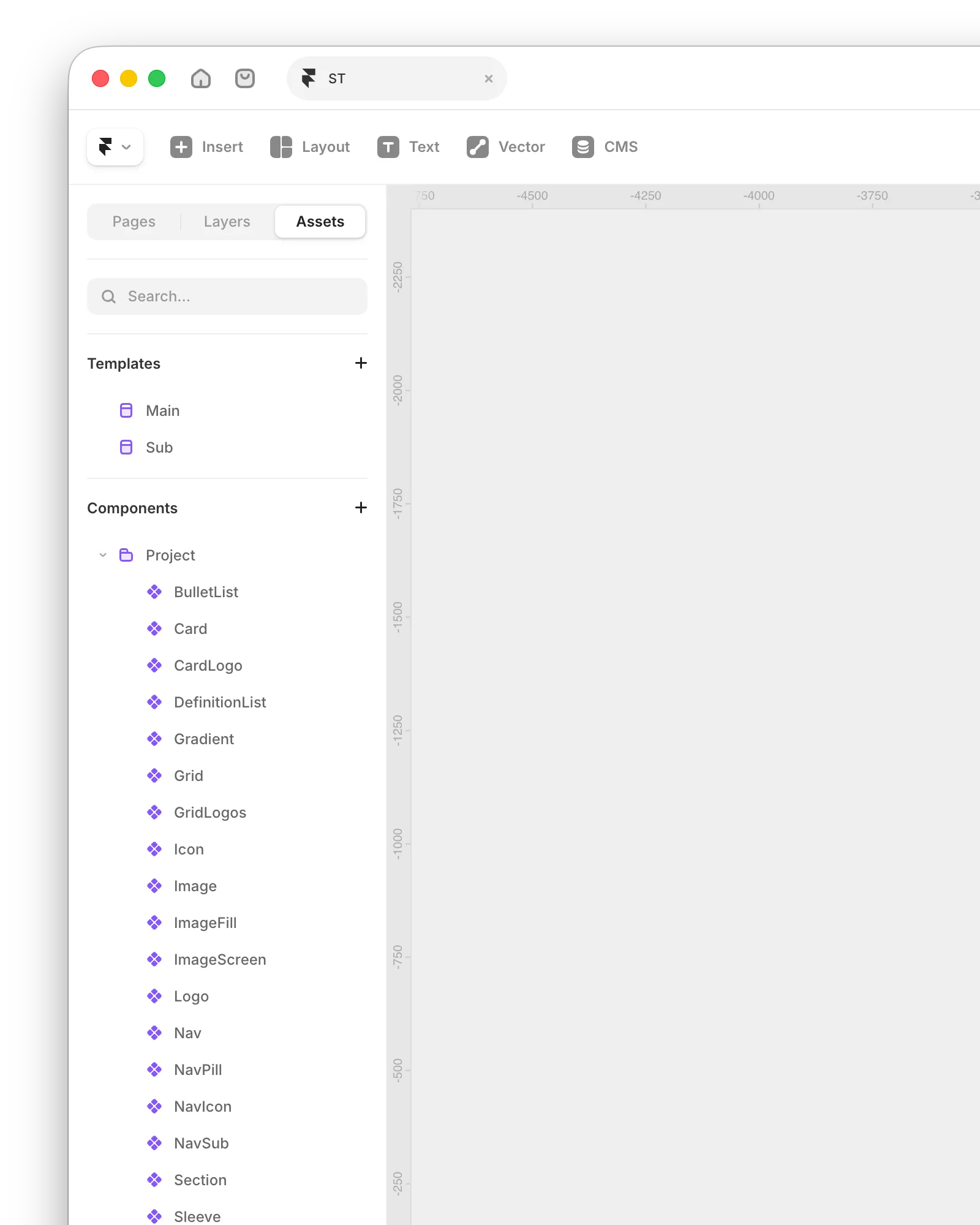
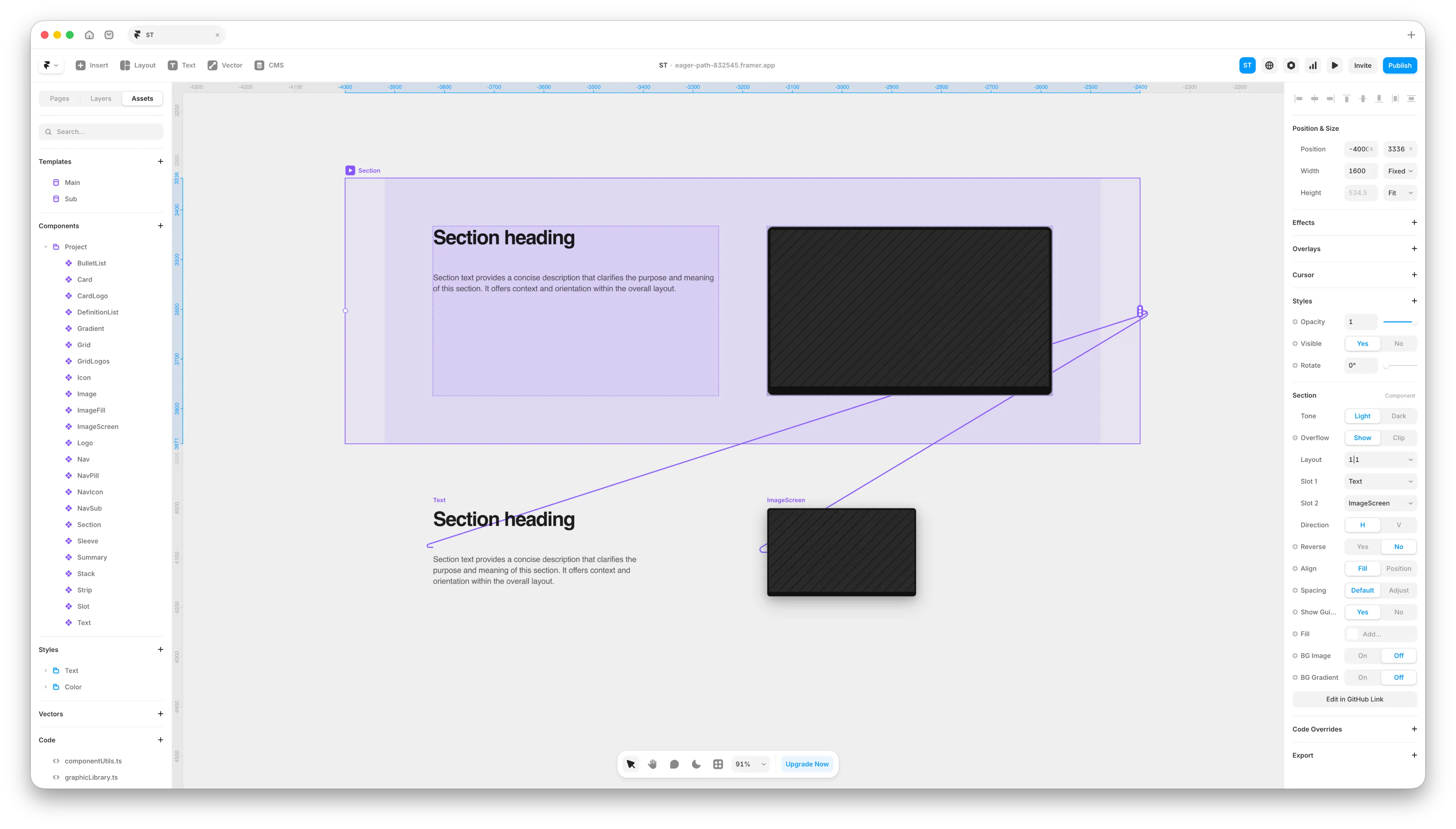
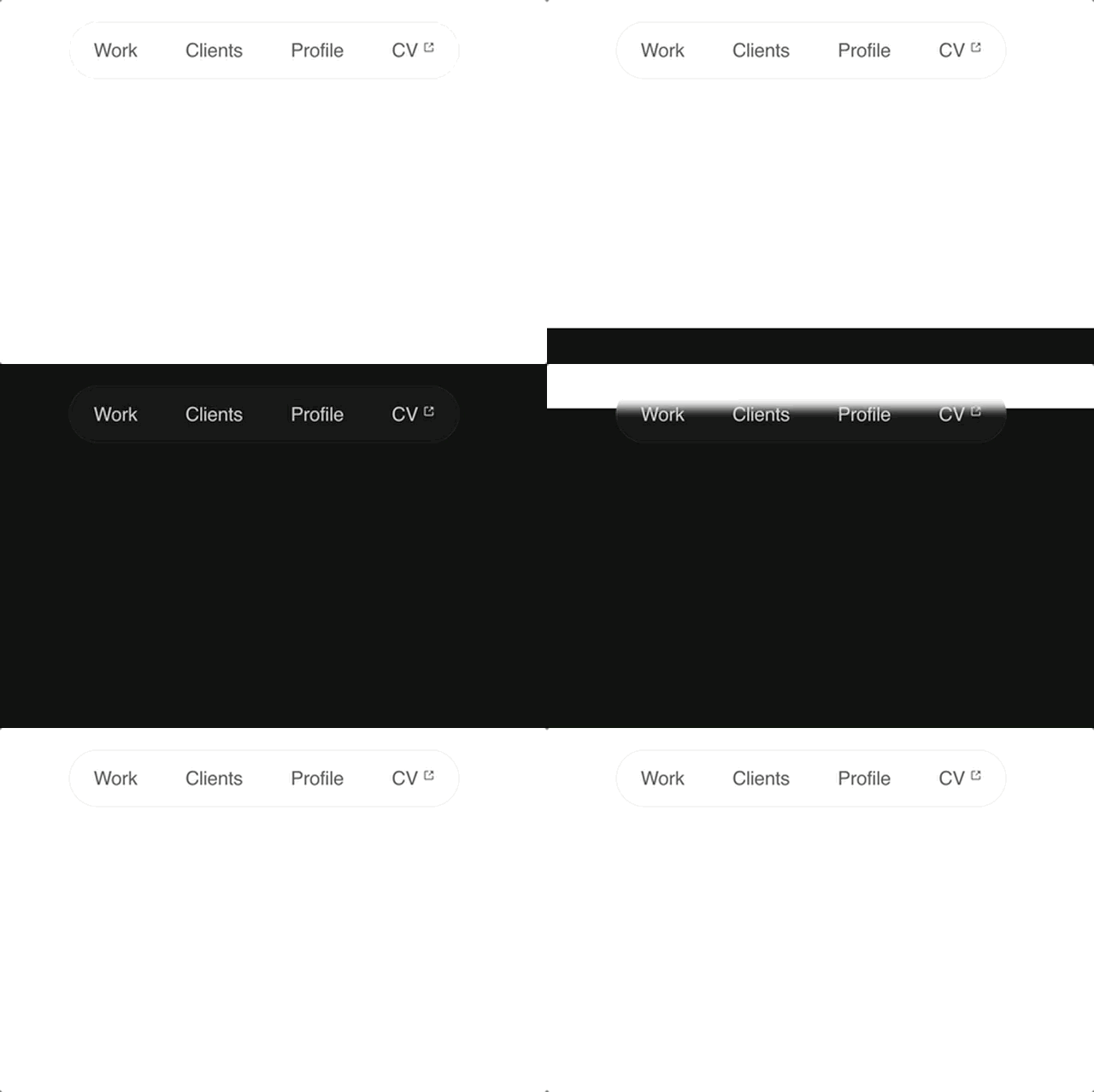
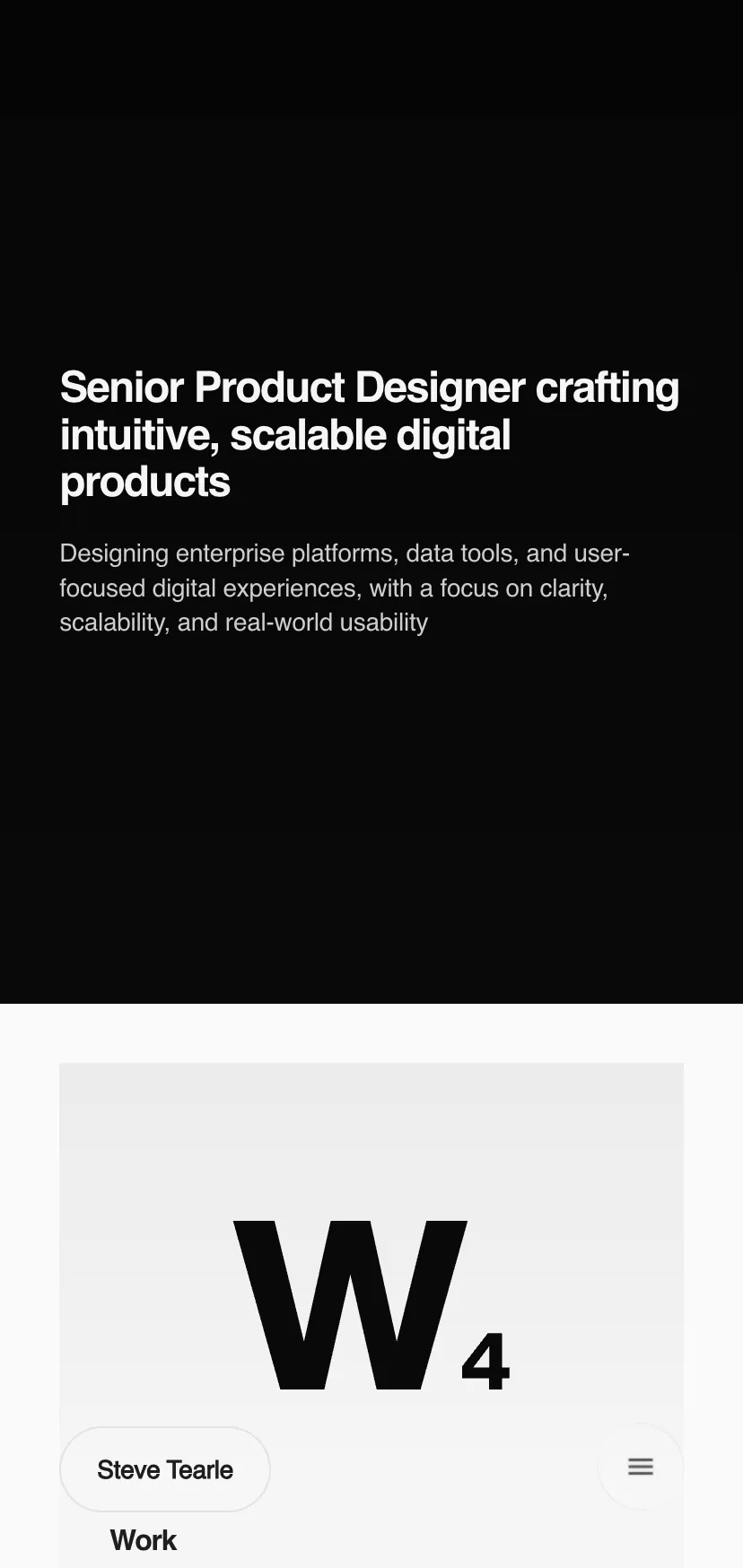
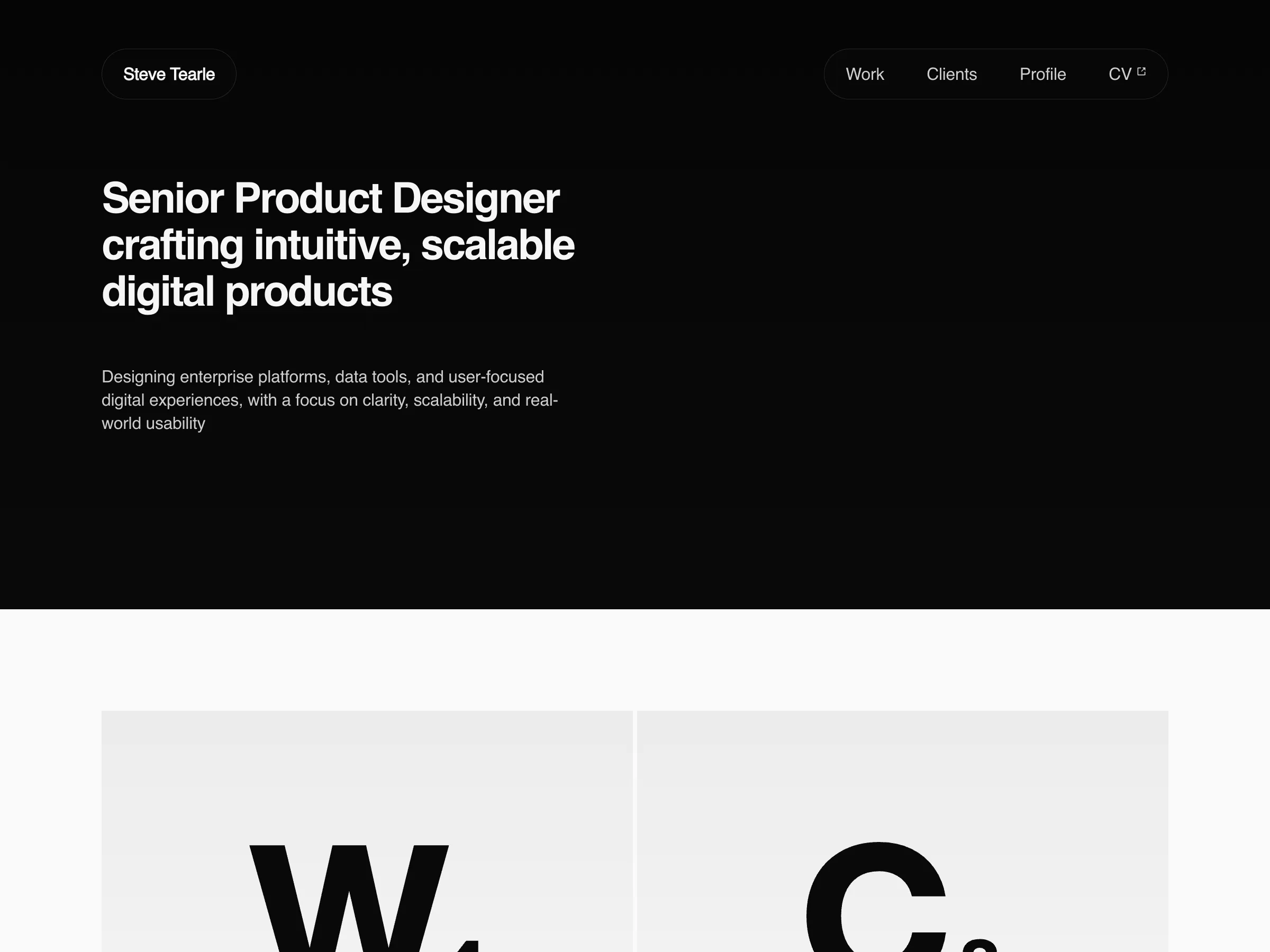
- Developed a reusable component architecture structured as: Primitive elements → Slots → Stack → Sections
- Layout components support both stacked and grid-based arrangements, enabling flexible structures such as card layouts
- Implemented theme propagation to manage colors, typography, and spacing consistently across the interface
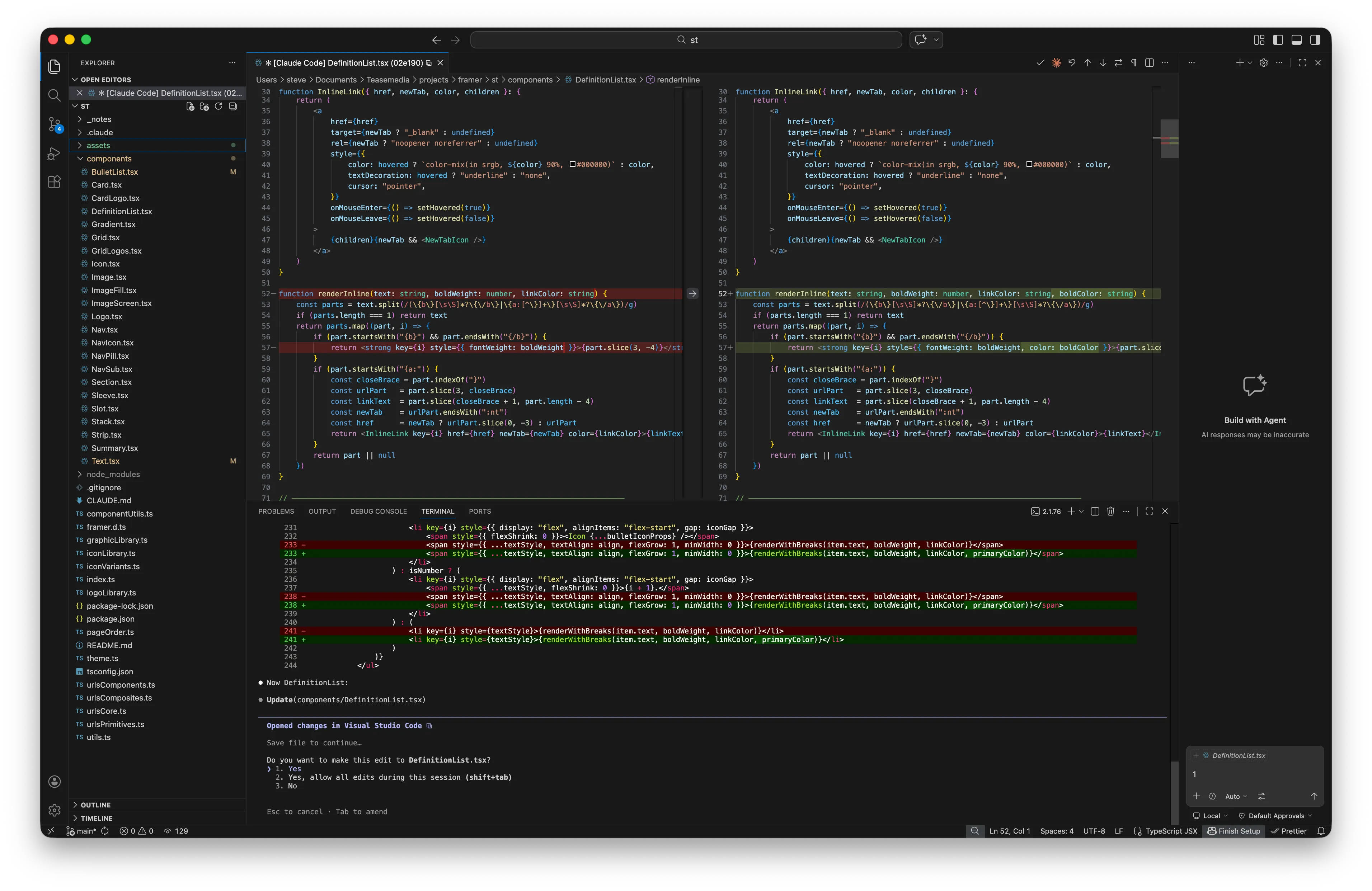
- Used Claude CLI within VS Code to generate, review, and debug code components, enabling rapid experimentation with AI-assisted development
Challenges
- Extending Framer beyond typical website use cases: Building a reusable component architecture and more flexible layout structures required developing custom code components.
- Balancing simplicity with interactivity: While the portfolio functions primarily as brochureware, the goal was to introduce enough interactivity to demonstrate component behaviour without overcomplicating the experience.
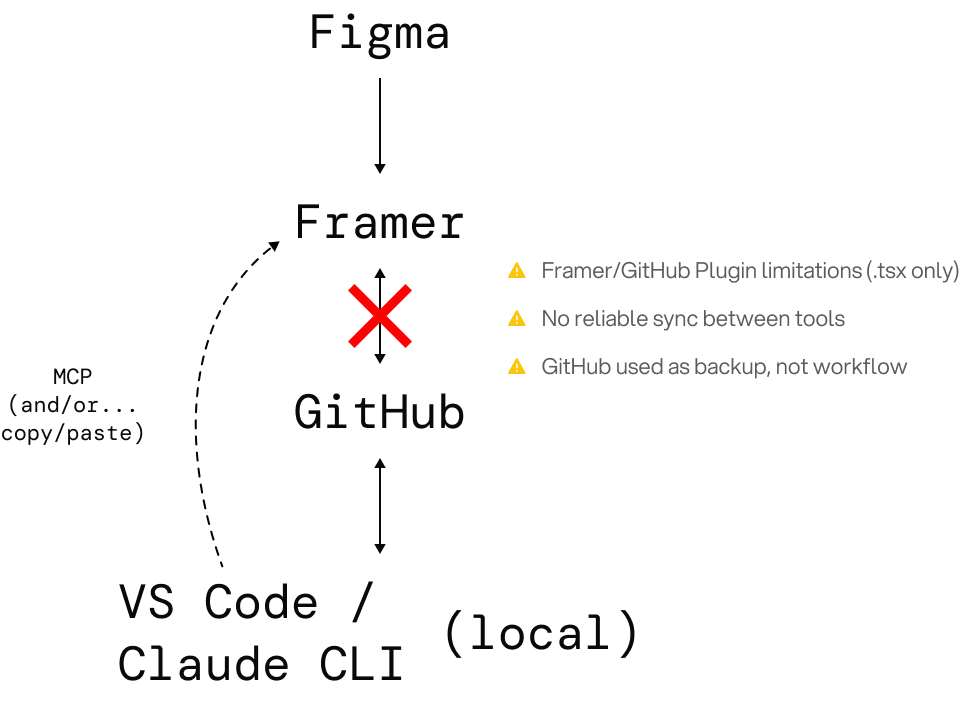
- Managing a hybrid workflow: Coordinating the Framer project, GitHub repository, local VS Code environment, and AI-assisted development tools introduced additional workflow complexity.
Approach
Structured the project to explore a design-to-code workflow, building reusable components and integrating AI-assisted development while keeping the prototype interactive and scalable.
Workflow
- Figma for reference design (no asset transfer)
- Framer for building interactive components
- GitHub repo and local VS Code folder for code management
- Claude CLI to generate and refine components
Component System
- Primitive elements:
Text, Lists, Image, Grid, Logo, Icon - Slots:
Flexible containers holding primitives - Stacks:
Layout of multiple slots in rows or columns - Sections:
Containers for stacks; theme propagation applies globally
Supports both stacked and grid-based layouts for flexible structures like cards.
Interactivity
- Portfolio is mostly brochureware, but supports partial interactions to explore component behavior
- Designed for future JSON or database integration to make content dynamic
Impact
- Fully interactive prototype allows users to explore beyond pre-defined paths.
- Design-to-code workflow is viable for portfolio and client demos.
- Reusable component hierarchy and theme system enable scalable and consistent design.
- Experience highlights AI-assisted coding via Claude CLI as a tool for designers to overcome technical limitations.
Takeaways
- Realistic prototypes improve feedback and UX testing.
- Component reusability and theme propagation reduce design debt.
- Partial data integration with JSON or lightweight databases is feasible for future enhancements.
- Framer is ideal for basic interactive prototypes. However, building a scalable design system with shared tokens, responsive spacing, and composable components goes beyond the capabilities of its native UI. This required developing a custom component system using AI-assisted code in VS Code, then integrating it back into Framer.

Future Enhancements
- Integrate portfolio content via JSON or lightweight database
- Expand the component system for dynamic, data-driven content (precursor to full React workflow)
- Explore full React deployment beyond Framer for complex applications
- Continue refining AI-assisted component generation for speed and accuracy
- Build Design-to-Code II. Develop a fully native React application with reusable components, using VS Code, Claude CLI, and Storybook. The starting point will be design references from any preferred tool (Figma, Paper and Pencil), focusing on production-ready, interactive components rather than prototype-only solutions.