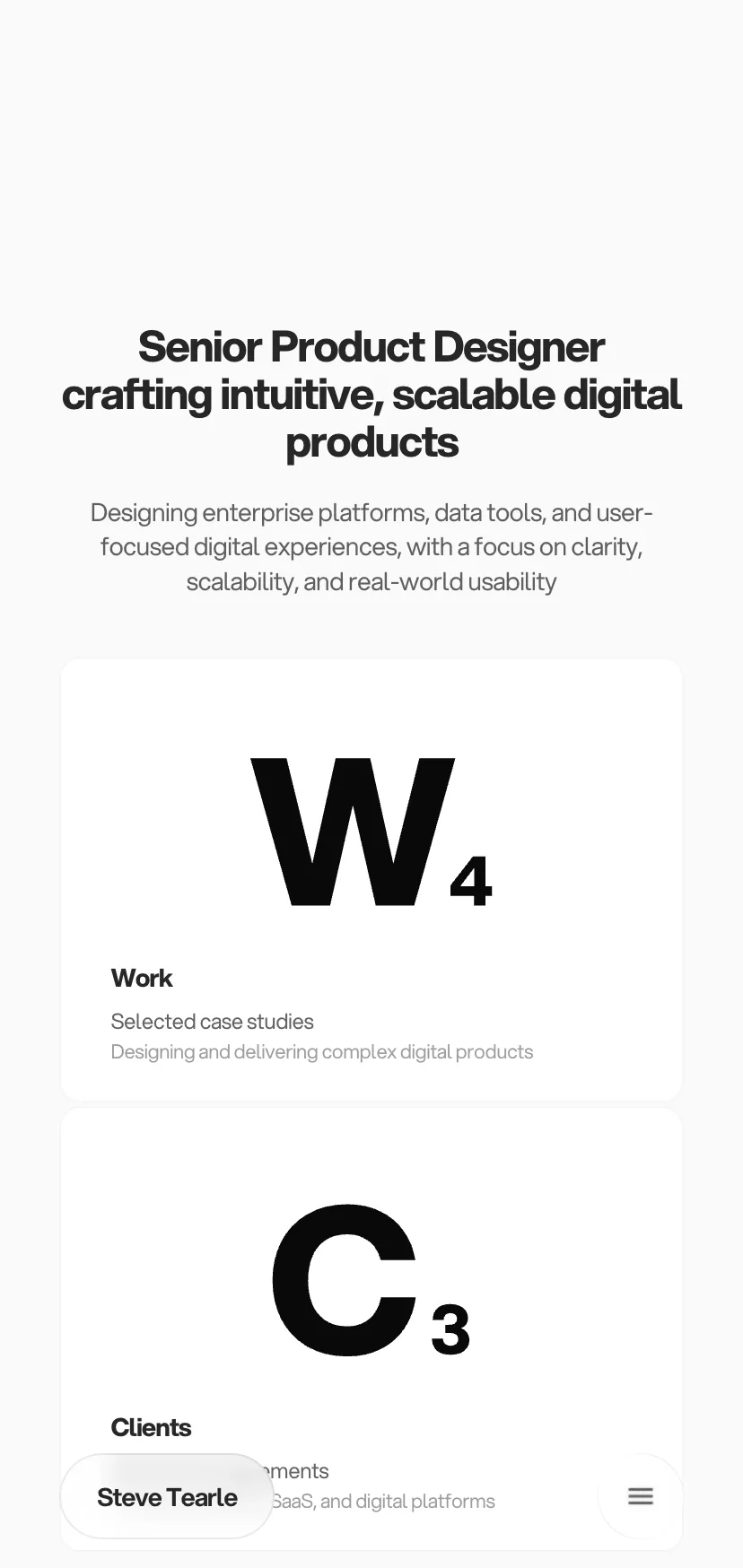
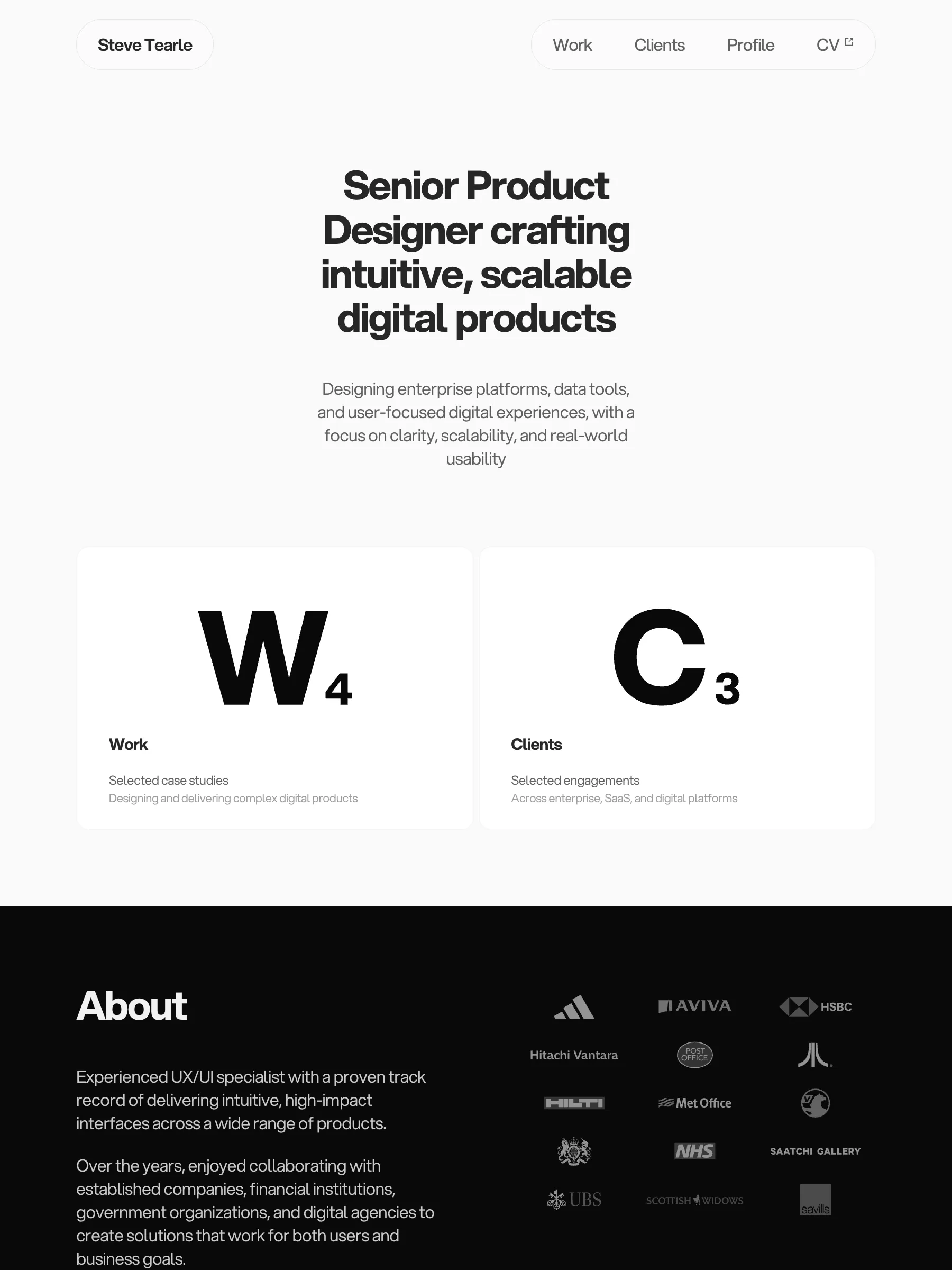
Design to code II
AI-assisted implementation workflow, translating a Framer portfolio into a working Next.js and React codebase

Overview
Design to Code II focuses purely on execution. The design system was already established in Design to Code I — the work here centred on implementing it directly in code using Visual Studio Code, Next.js, and an AI-assisted development workflow with Claude.
The goal was to test how effectively a complete design can be translated into a fully functioning interface without re-entering a design phase, and how closely implementation can match the original intent at a production level.
- Role
- Senior Product Designer
- Scope
- UI/UX Design · Component Architecture · Design-to-Code Workflow · AI-Assisted Development
- Duration
- Apr 2026
- Location
- Remote
Approach
The workflow focused on implementing an existing design system directly in code — structured, tool-assisted, and validated live.
Structural breakdown
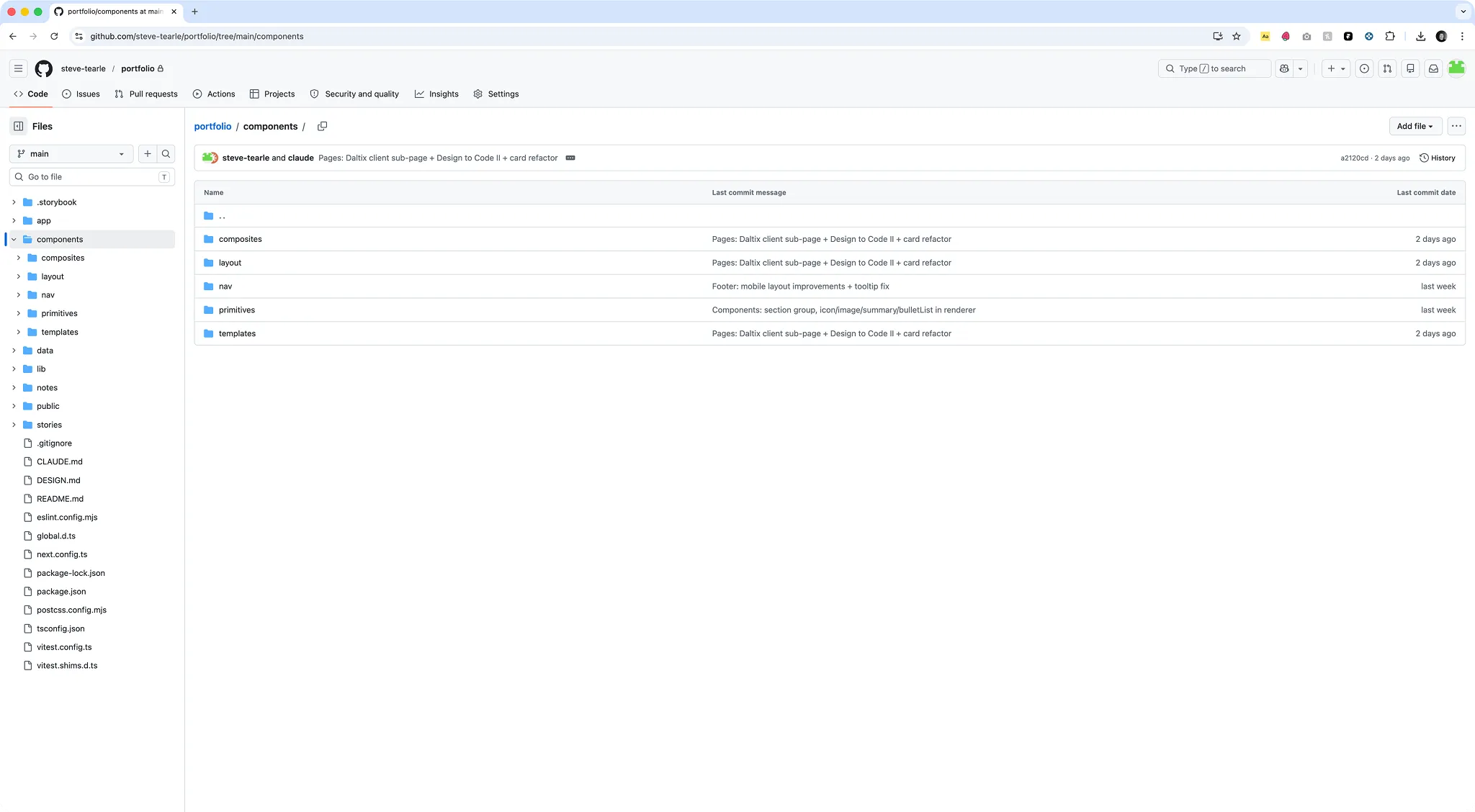
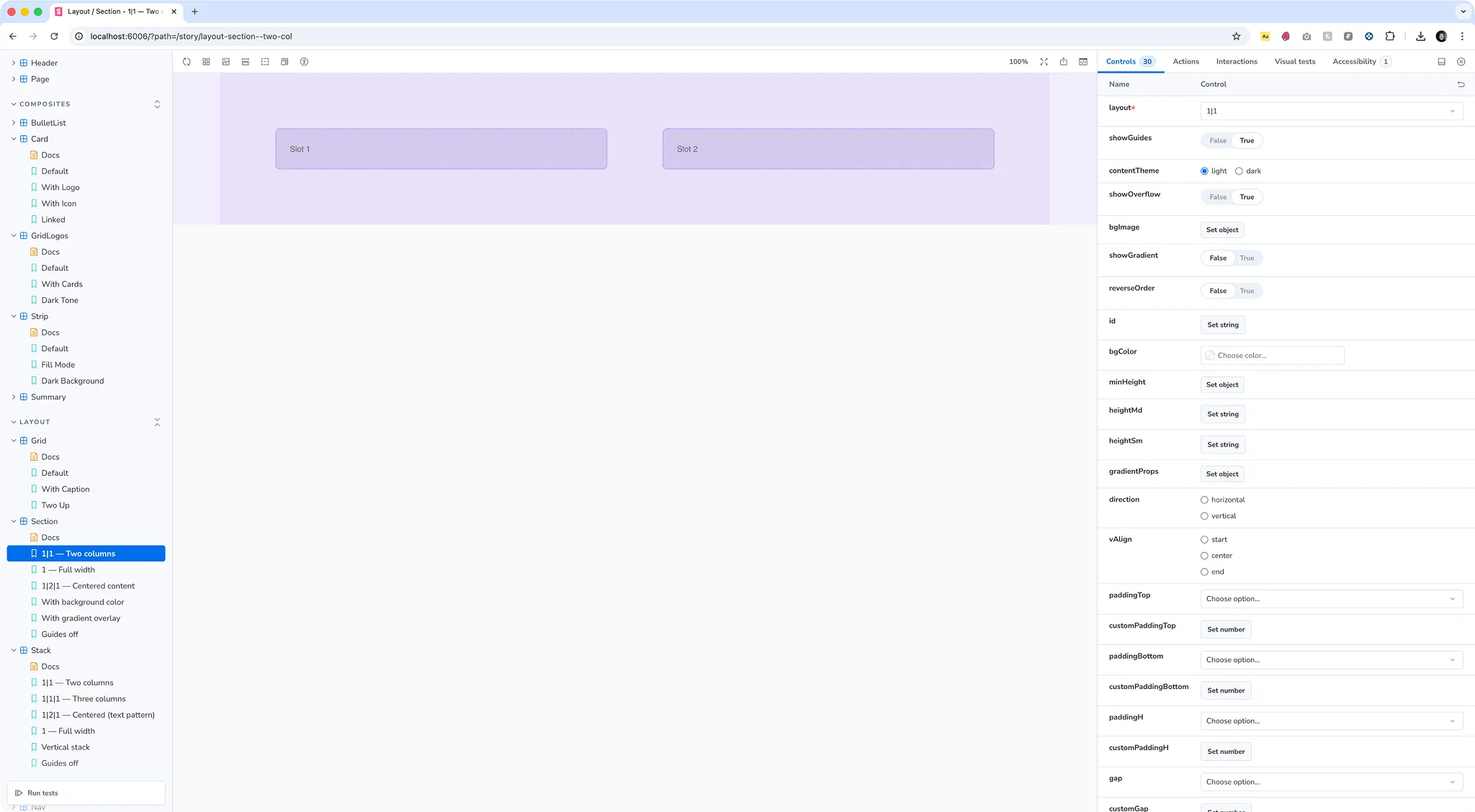
Each interface was broken down into its core layout structure — identifying key regions, reusable patterns, and component boundaries before writing a line of code.
Component-driven implementation
The UI was built in Next.js using a component-based architecture to mirror the design system — each element implemented as a reusable building block, ensuring consistency across pages.
AI-assisted development
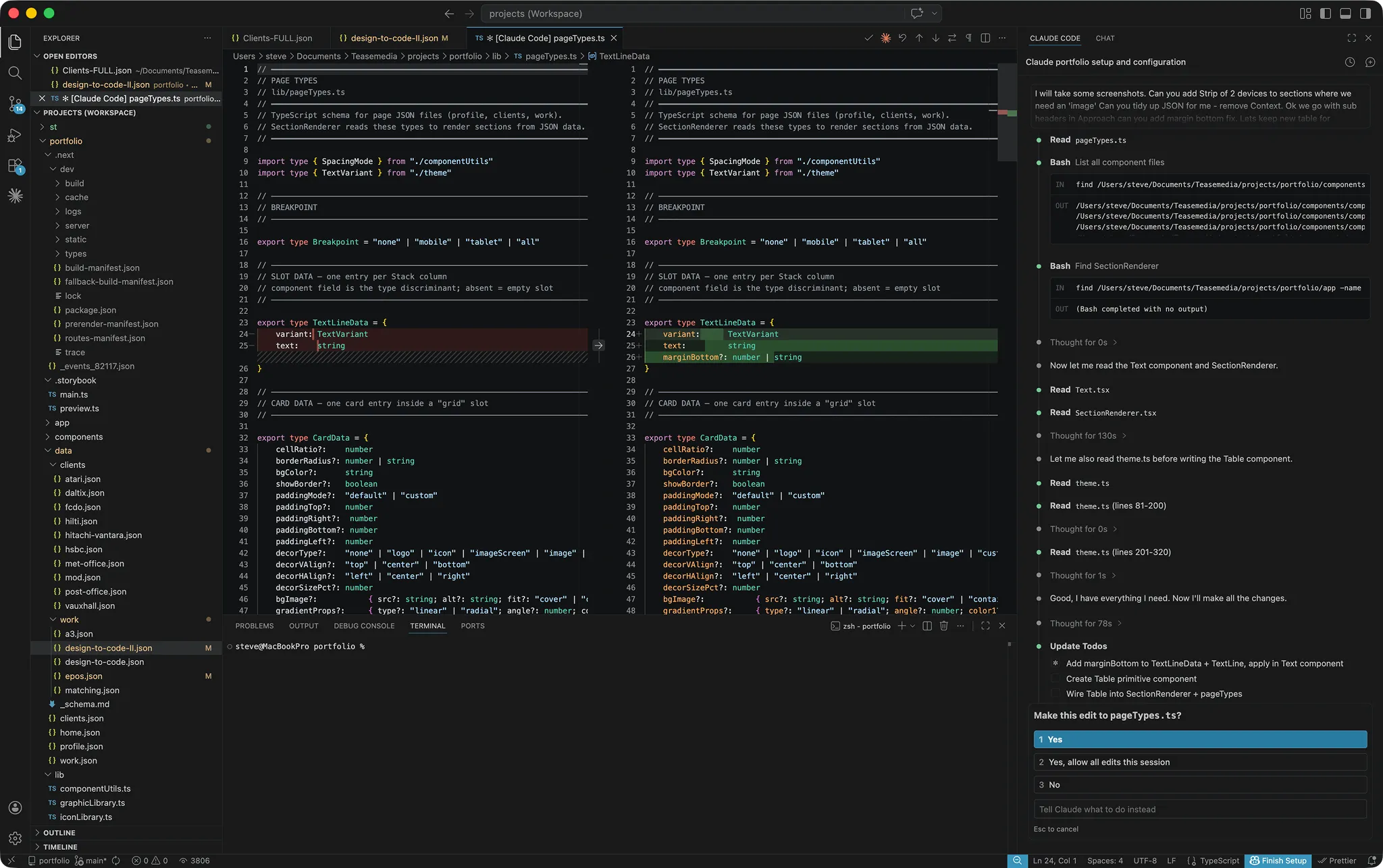
Claude Code was used throughout the build to accelerate implementation:
- Scaffolding components
- Iterating layout structures
- Refining responsive behaviour
- Handling repetitive implementation tasks
- Refactoring inline styles to global CSS, separating static structural rules from dynamic component values
- Removing redundant wrapper elements and improving semantic HTML — ARIA landmarks, focus management, heading hierarchy
This allowed faster progression from structure to functional UI without breaking design intent.
Live implementation loop
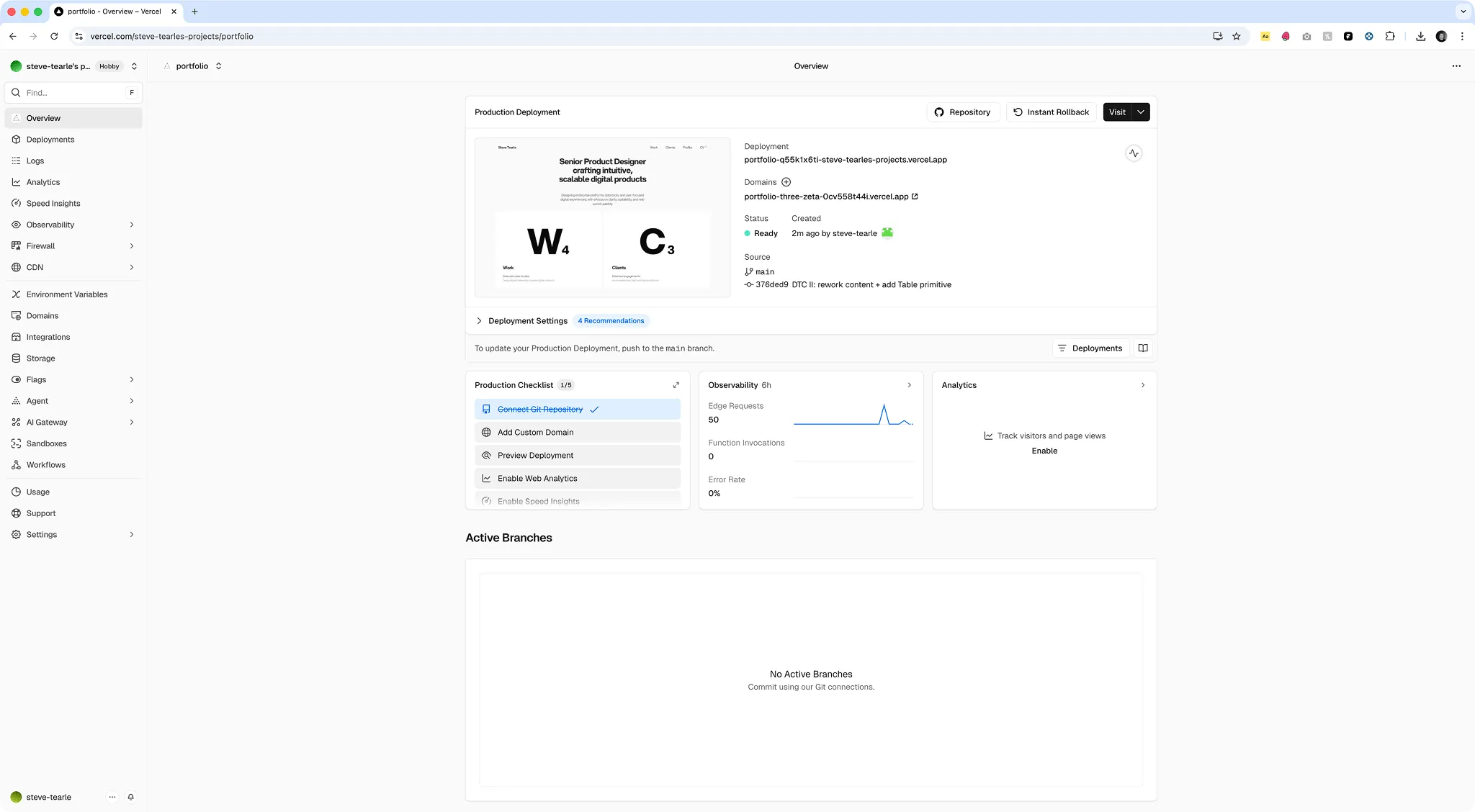
All development was validated directly in the running application — a tight feedback loop between code and visual output, allowing continuous refinement of layout, spacing, and behaviour in real time.
WCAG AA compliance was validated using Lighthouse, returning a 100% accessibility score across all pages.
| Framer | React / Next.js | |
|---|---|---|
| Version control | Manual snapshots | Git — full history |
| Component portability | CDN, Framer-specific | Standard React / npm |
| Performance | Framer runtime | Optimised static build |
| Dev handoff | Limited | Standard codebase |
| Design fidelity | Native (design tool) | High (with design system) |
| Hosting | Framer CDN | Vercel / any host |
Framer to React
Design to Code I was built and hosted in Framer — a visual tool that makes prototyping fast but ties the output to its own runtime and CDN.
This project rebuilds the same design system as a React / Next.js application — a shift from a visual prototyping tool to a standard production codebase. The table shows where the two approaches differ in practice.
Outcome
A fully functioning interface built from an existing design system — demonstrating the ability to move from design to production with accuracy, consistency, and a strong component foundation.
The result is the live implementation itself — the interface you are viewing here.